


Tips to increase internet speed in Smartphone Smartphone has become an important part of our life. Be it, online classes, surfing the net, or using apps, the phone is the most important thing in everything. The Internet is the most important part of a smartphone. People are often worried about the speed of smartphones. Due to this they have to face a lot of difficulties in doing their day-to-day work. In such a situation, it is very important that by adopting some simple tips, you can speed up your internet speed and enjoy the best internet speed on the phone.
clear the cache
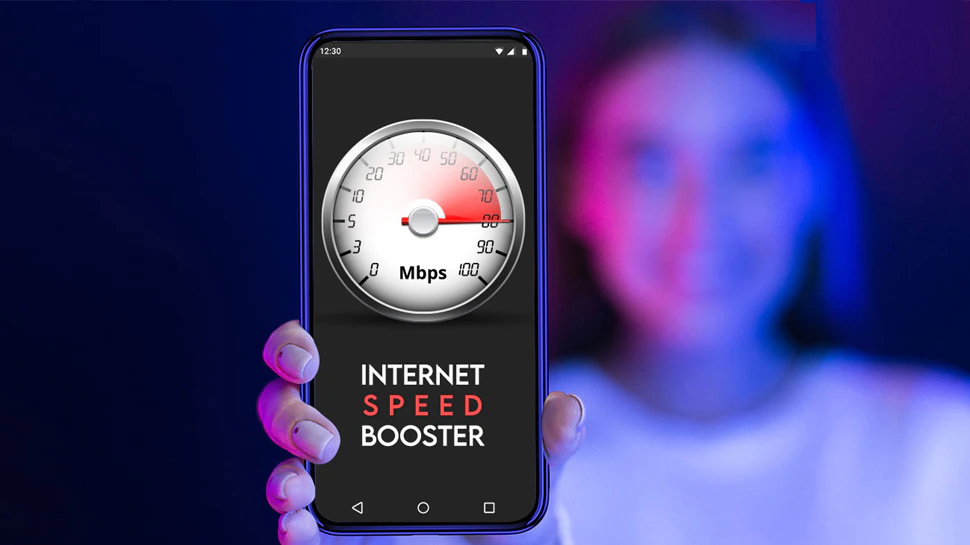
After the cache is full, the Android phone becomes slow, which affects the speed of the internet. So keep clearing the cache from time to time. This will increase the internet speed of your mobile.
phone settings
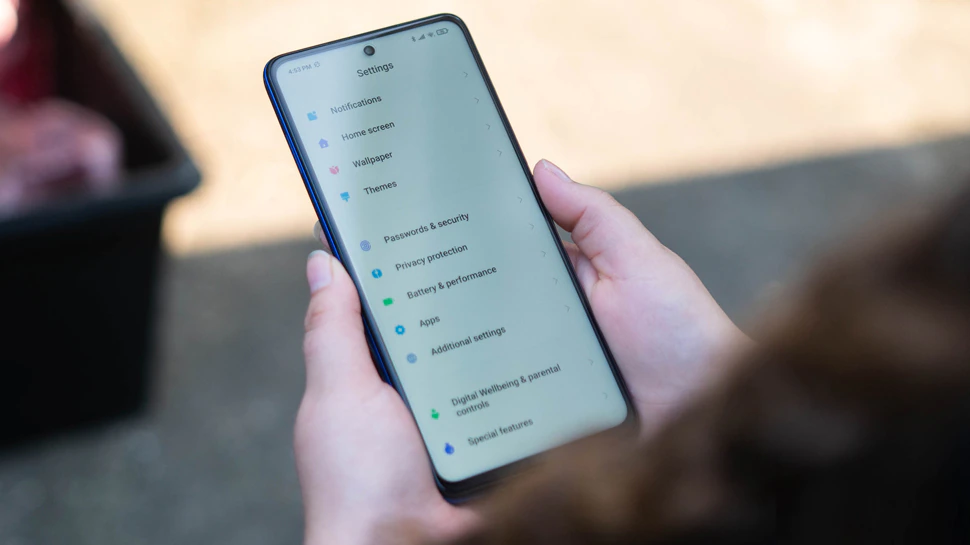
Go to the phone’s settings and see if the preferred network type in the network setting option has 4G or LTE. If not, select the option available there.
restart phone

Restart the phone. When the phone restarts, it searches for the mobile network again, thereby increasing the data speed or you can turn the data off and on again.
disable

Many times users accidentally enable the auto-download feature in the smartphone, due to which the apps keep updating in the background and the data available also ends quickly. Apart from this, we also have to face the problem of slow internet. To check auto-download go to google play store. If the auto-update feature is enabled, disable it and use WiFi for app and software updates.
Enable and Disable Airplane Mode

Enable Airplane Mode on your phone and then disable it. By doing this the mobile network will be searched again and there is a possibility of increasing the speed of the internet.
unusable app

There are many useless apps that keep running in the background. They waste your data. Turn them off in Settings. Also, enable data to save mode in the browser.

|
|
 Facebook Page Facebook Page |
Click Here |
| Twitter |
Click Here |
| Instagram |
Click Here |
| Google News |
Click Here |