


With features including improved security, real-time live updates from specific apps, and simplified notifications, Google has begun releasing Android 16, its most recent mobile operating system. For Pixel smartphones, the update is currently available; wider distribution is anticipated in 2025.
On Wednesday, Google started rolling out Android 16, its most recent mobile operating system, beginning with Pixel devices that are compatible. With wider availability for other phone companies anticipated later in 2025, the announcement represents the earliest significant Android version introduction in recent memory.
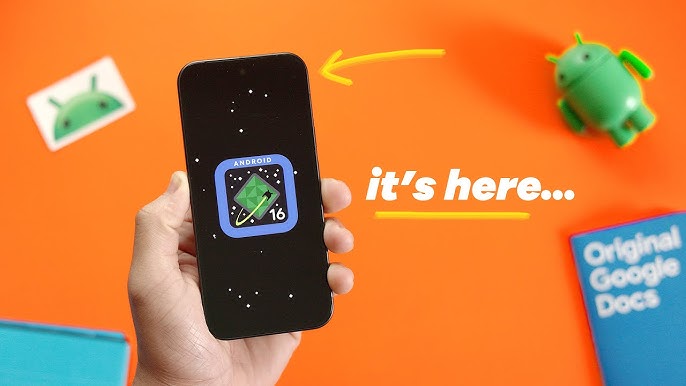
The upgrade lays the foundation for Google’s new Material 3 Expressive design by introducing a reimagined user experience. Simplified notifications, more accessibility features, more security options, and more productivity tools—especially for tablets and foldables—are some of the main enhancements.
What’s new?
Real-Time Notifications and Smarter Grouping
Support for live, real-time updates from compatible apps is one of Android 16’s key features. This feature, which is intended to reduce the frequency with which users must launch apps, will initially be compatible with a limited number of food delivery and ride-hailing apps. To include the feature into their own notification systems, like as Now Bar and Live Alerts, Google is working with OEMs including Samsung, OnePlus, and OPPO.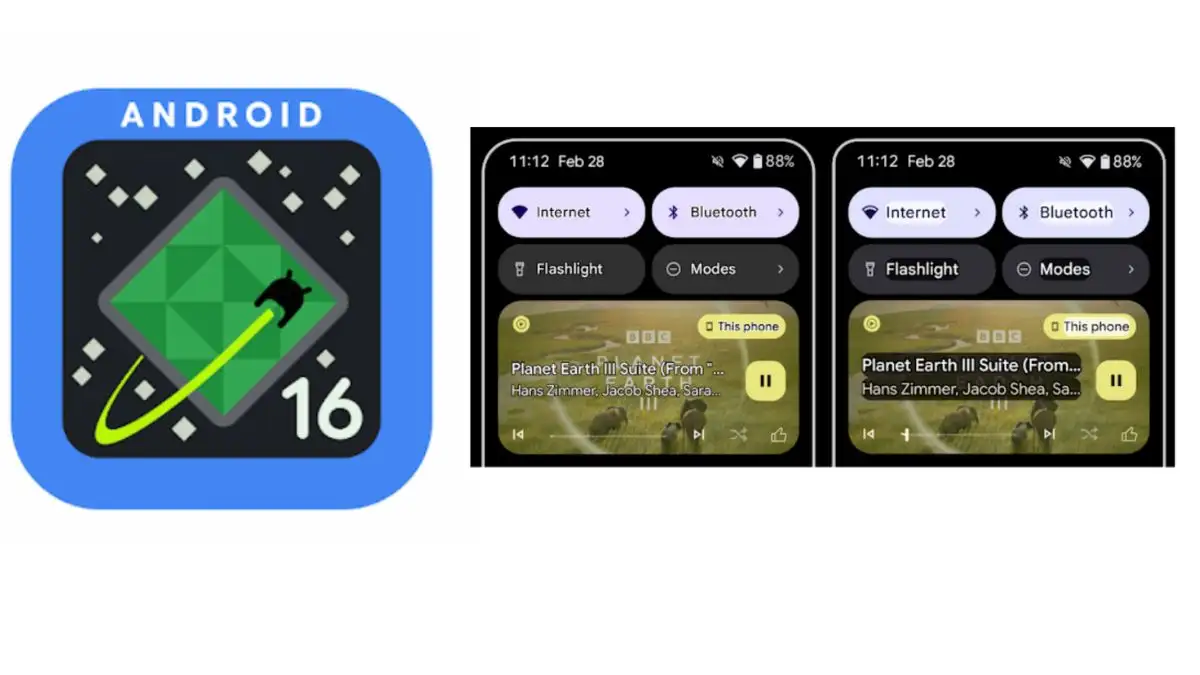
Android 16 now automatically groups alerts from the same app in an effort to make them easier to read and less cluttered.
Hearing Aid Compatibility Improvements
For those who use hearing aids, the latest edition offers significant enhancements. In an effort to enhance clarity in noisy environments, Android 16 now enables users of LE Audio hearing aids to switch between the aid’s and phone’s microphones while on a call. Additionally, the update adds native control options for hearing aids, allowing users to change volume and other settings right from their phone.
Upgraded Security Features
With the release of Google’s highest level of mobile protection, Advanced Protection, Android 16 continues to prioritize security. The system’s goal is to protect consumers from dangers like scam calls, malware programs, phishing, and hazardous websites. The feature, which is intended for both high-risk users and regular users, is activated by a single tap in the device’s settings.
Enhanced Productivity for Tablets and Foldables
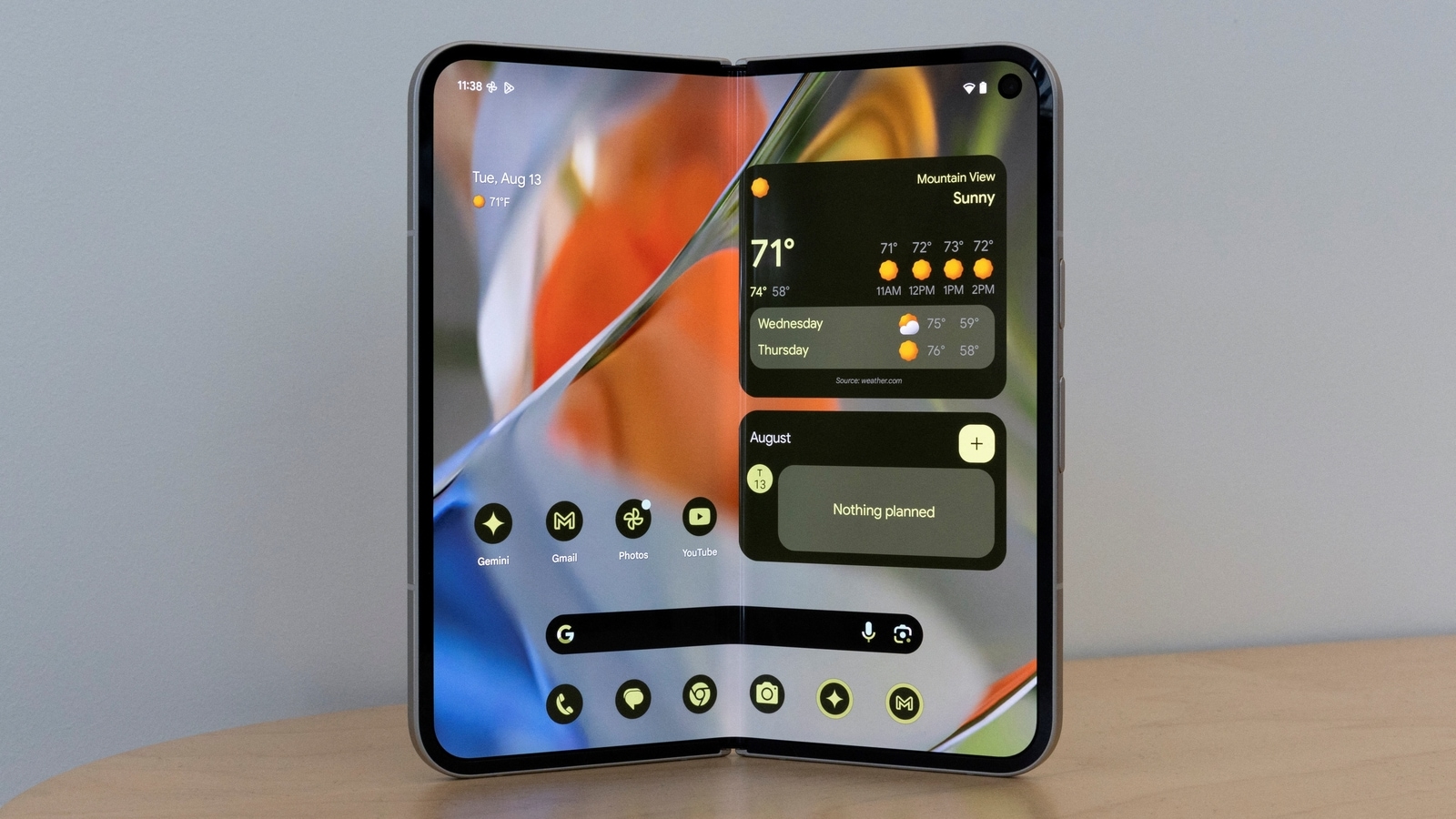
Google and Samsung have collaborated extensively to bring desktop windowing to Android tablets and foldable gadgets. This simulates a desktop experience by enabling users to open, move, and resize several app windows on a single screen. The functionality, which is anticipated to be available later this year, complements the current split-screen and single-app modes.
Taskbar overflow and support for custom keyboard shortcuts are two more upcoming enhancements that will enhance multitasking on large-screen devices. In order to allow users to increase their workspace when necessary, Android will also start testing external display connectivity for tablets and phones.
Supported Devices and How to Update
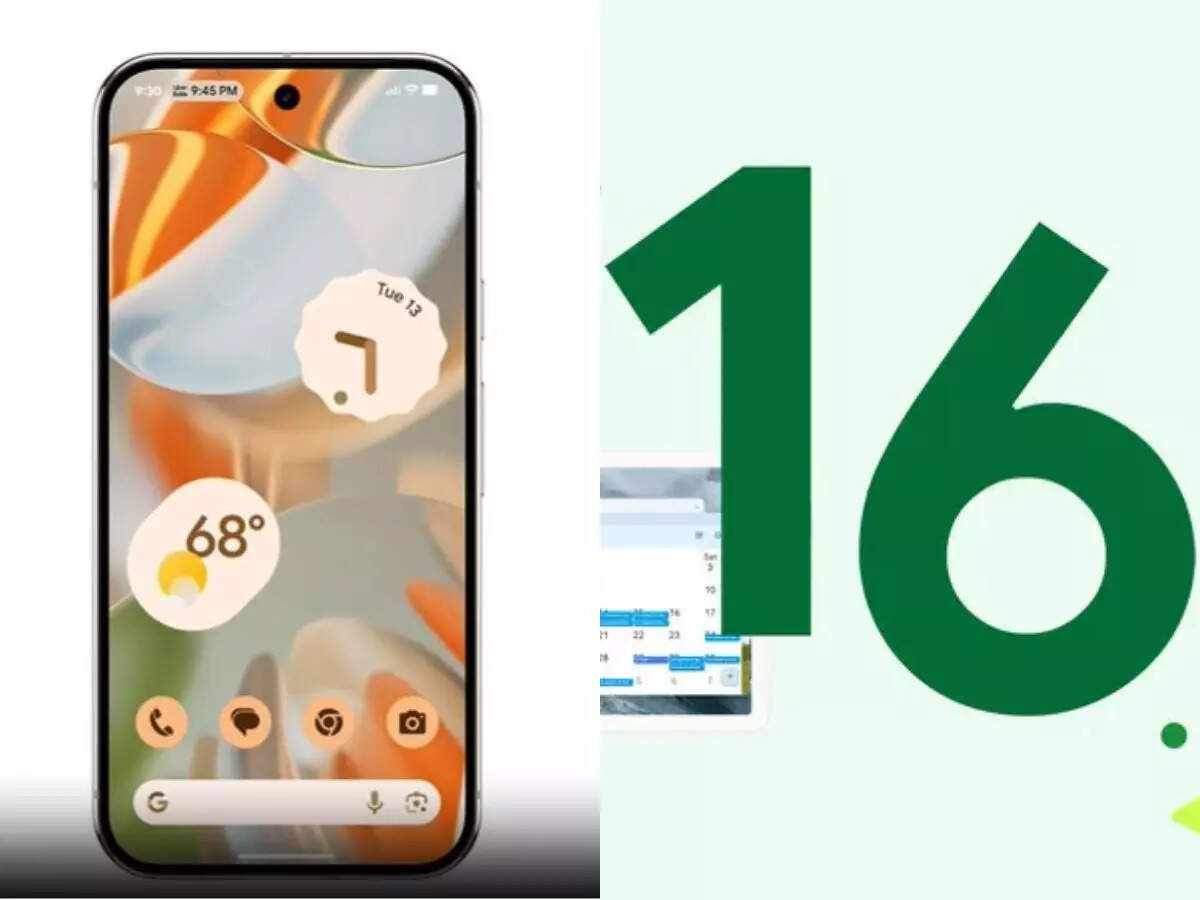
Users of Pixel 6 and later devices, like as the Pixel Tablet and Fold variants, can now download Android 16. Over-the-air (OTA) updates will be used to distribute the software. Pixel users can upgrade by going to Settings > System > Software update and installing the most recent version by following the instructions.
Here is the list of Pixel devices eligible for Android 16:
- Pixel 6, 6 Pro, 6a
- Pixel 7, 7 Pro, 7a
- Pixel 8, 8 Pro, 8a
- Pixel 9, 9 Pro, 9 Pro XL, 9 Pro Fold, 9a
- Pixel Fold
- Pixel Tablet
Read More: India COVID-19: 7,000+ Active Cases, 6 New Deaths
|
|
 Facebook Page Facebook Page |
Click Here |
| Twitter |
Click Here |
| Instagram |
Click Here |