


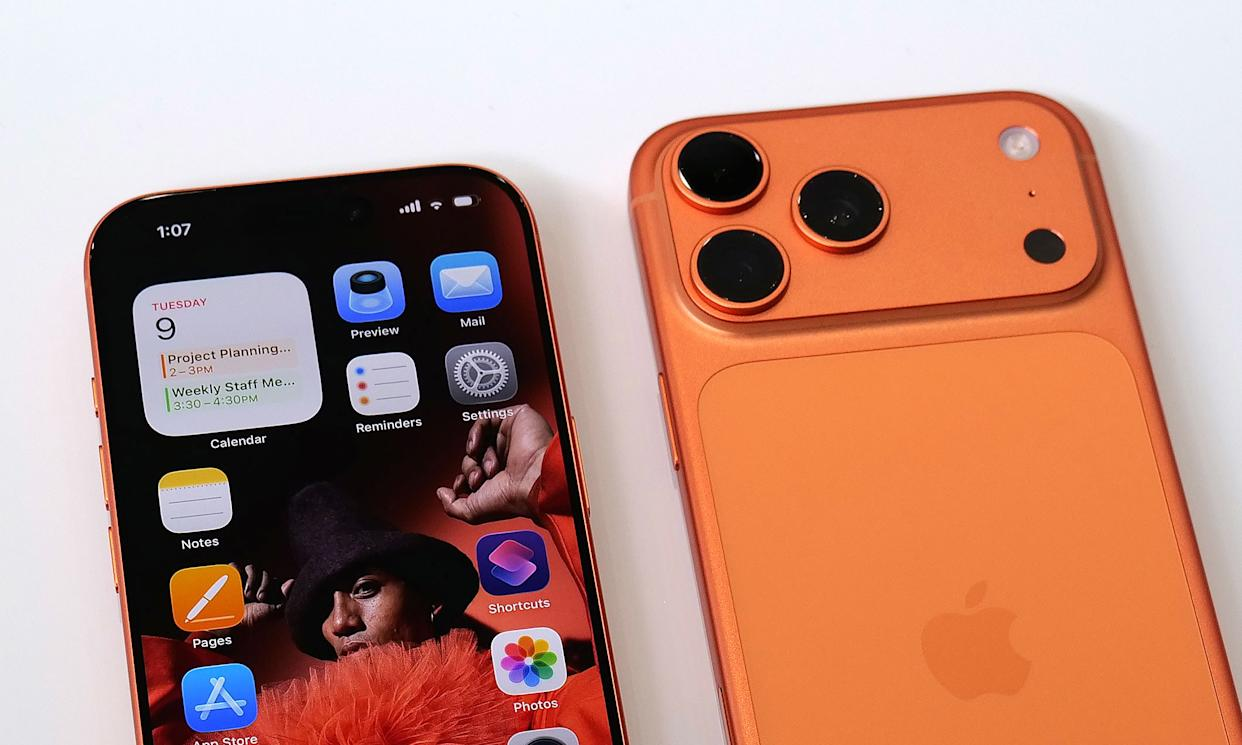
iPhone 17 Camera: Last month, Apple unveiled the iPhone 17 series, which includes a number of amazing improvements and enhancements. Dual Capture Video Recording is the most talked-about feature, though.
iPhone 17 Camera: Last month, Apple unveiled the iPhone 17 series, which includes several remarkable enhancements and improvements. Dual Capture Video Recording is the most talked-about feature, though. Users can concurrently record video from the front and back cameras thanks to this capability. This feature was previously exclusive to third-party apps on older iPhone models running iOS 13. It’s much simpler to use now that the iPhone 17 has this feature built right into the Camera app.

What is the iPhone 17’s Dual Capture Video feature?
With the help of the Dual Capture feature, you may record films with both cameras at once, capturing both the scene in front of you and your response. Vloggers, content producers, and travelers will particularly benefit from this functionality since it eliminates the need for them to record different recordings.
How to activate the iPhone 17’s Dual Capture feature
To utilize this feature on your new iPhone 17, simply follow the simple instructions below.
- First, launch the iPhone 17’s Camera app.
- Choose Video Mode under the top tab.
- At the upper-right corner of the screen, you will now see the Quick Settings Menu.
- Choose Dual Capture from the four recording options that are displayed here.
- To begin recording the video, simply press the red Record button.
You can also press the Camera Capture button to begin recording.
Recording quality and frame rate
According to Apple, video is recorded at 30 frames per second (FPS) in Dual Capture mode. To prevent affecting phone performance and battery life, this mode does not currently support 60 or 120 frames per second. Only the iPhone 17 series presently has this dual recording capability. Apple has not yet made it clear if an update will be released to older iPhone models.
Read More: Ducati DesertX Spotted Testing With Major Upgrades

|
|
 Facebook Page Facebook Page |
Click Here |
| Twitter |
Click Here |
| Instagram |
Click Here |