


Delhi-NCR experienced earthquake vibrations, with Jhajjar in Haryana serving as the epicenter. The Richter scale recorded its intensity as 4.4. The smartphone’s sensors are capable of detecting earthquakes and sending out alerts. Turn on Earthquake Alerts on your Android phone by going to Safety and Emergency settings. Turn on Emergency Alerts on your iPhone by going to Notifications.
On Thursday morning, Delhi-NCR experienced strong earthquake shocks, which caused people to flee their houses in fear. The National Center for Seismology reports that Jhajjar, Haryana, was the earthquake’s epicenter. It was 10 kilometers below the surface and had an intensity of 4.4 on the Richter scale. Receiving an alarm in a timely manner is crucial in such a scenario so that you can take immediate safety precautions.
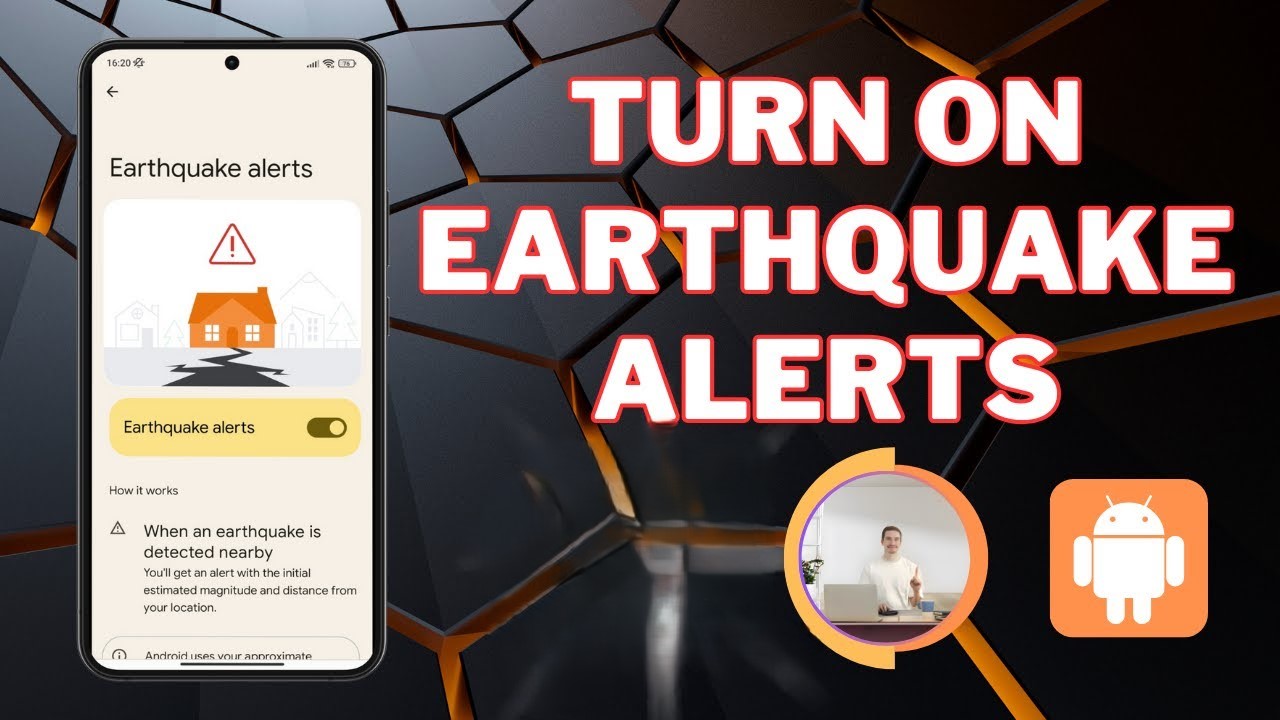
Simultaneously, a lot of smartphones these days contain sensors that can identify tremors and notify users; however, in order to do this, it is crucial to have certain key settings enabled on your phone. We will go into great detail about these options today. The unique feature is that your phone will immediately notify you of an earthquake as soon as you activate this setting. Let’s learn more about it in depth.
How does Earthquake Alert work in smartphone?
In fact, vibrations may be detected by sensors like accelerometers that are built into cellphones. When seismic activity is detected in such a scenario, the information is transmitted to a central server. The users in that area are then alerted by the server. You have time to find a secure location because this alert is sent just a few seconds before the earthquake.
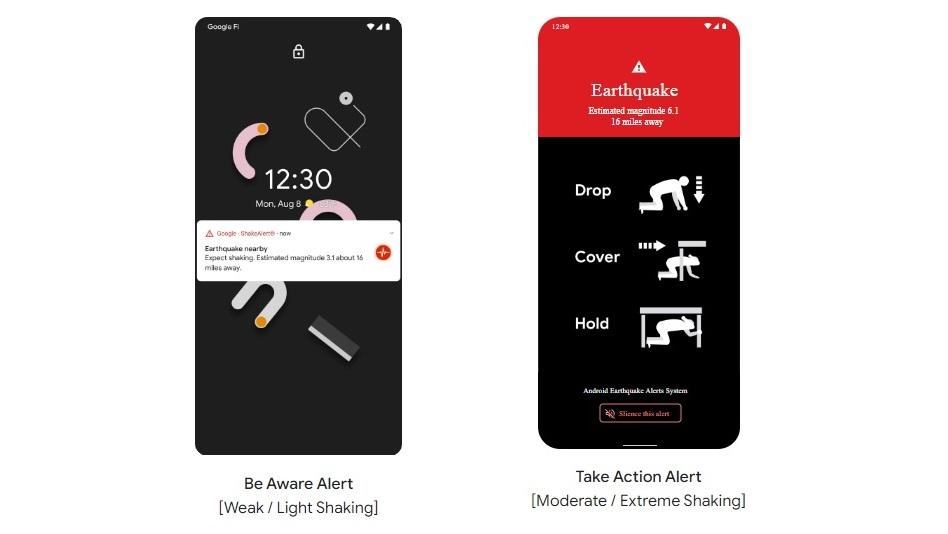
How to turn on Earthquake Alert on Android phone?
- First of all go to the settings of your device.
- Now go to Safety and Emergency settings.
- From here, turn on the Earthquake Alerts option.
How to turn on Earthquake Alert on iPhone?
- For this also you will have to go to the Settings of your iPhone.
- Now you have to go to the Notifications option.
- Scroll down and turn on Emergency Alerts.
Read More: Airtel ₹189 Plan Launched with Unlimited Calls
|
|
 Facebook Page Facebook Page |
Click Here |
| Twitter |
Click Here |
| Instagram |
Click Here |