


Ashwini Vaishnav, Union Minister of Communications and Electronics, has unveiled a brand-new Aadhaar mobile app that offers five significant advantages. Users will no longer need to carry any form of printed copy or photo of their Aadhaar thanks to the new Aadhaar app. Additionally, using it will remove the dangers of Aadhaar data being misused.

A new Aadhaar app was just released by Union Communications and Electronics Minister Ashwini Vaishnav. However, the beta version of this software has already been released, and the stable version will follow shortly. The minister stated during the app’s introduction that the new software is making the Aadhaar verification process even simpler, quicker, and more secure than it was previously. In addition, it is said that users will no longer need to carry any form of printed copy or picture of their Aadhaar card thanks to the new Aadhaar app. Let’s take a closer look at this new software.
You will get full control over your personal information
Ashwini Vaishnav revealed in a post on X that the new Aadhaar application, which integrates Face ID authentication and artificial intelligence, is presently in the beta testing stage and would soon be made accessible to the general public nationwide. Through a mobile application, the program seeks to offer Indian citizens digital Aadhaar services. The Aadhaar app would remove the requirement to carry a physical Aadhaar card or photocopy, giving users complete control over their personal data.
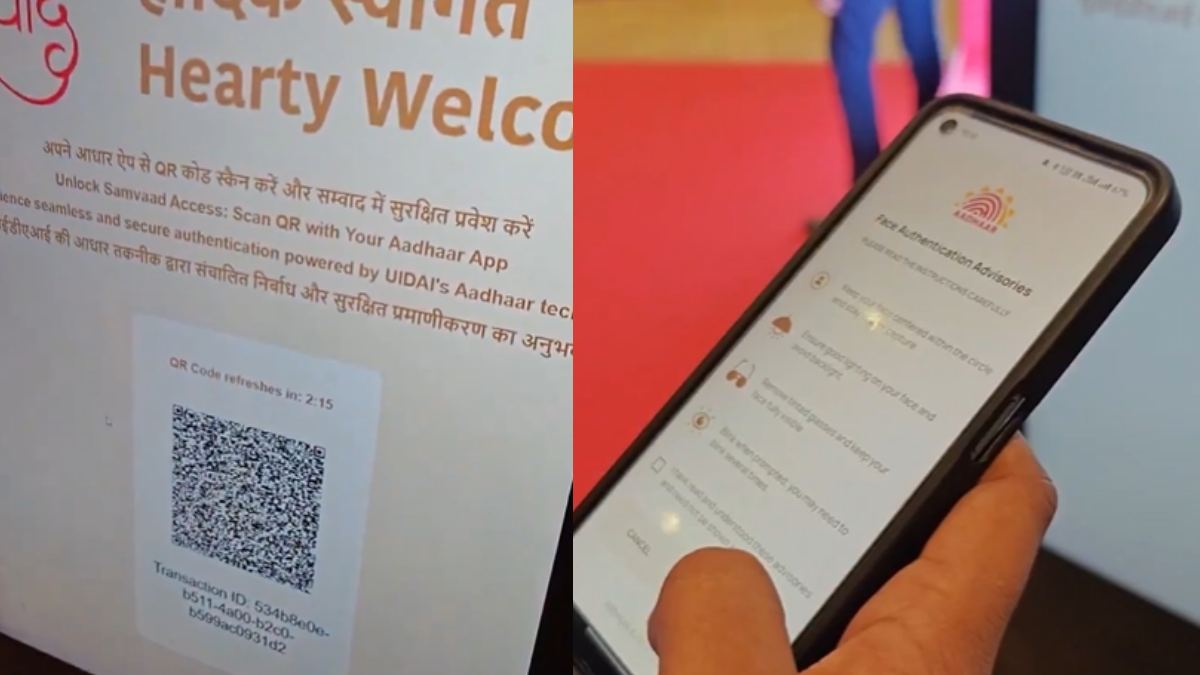
5 big benefits of Aadhaar Mobile App
- Digital verification will be significantly simpler with the new Aadhaar mobile app.
- You will no longer require a physical Aadhaar card if you have access to digital Aadhaar.
- You can add your family members’ Aadhaar profiles with the Aadhaar cell App and manage numerous profiles with just one registered cell number.
- You won’t need to bring real photocopies or cards when you travel, check into hotels, or even for work thanks to this.
- The Union Minister has remarked that its use will eliminate the hazards linked with abuse of Aadhaar data and data breach.

How to download e-Aadhaar using mAadhaar app?
- Look for mAadhaar in the Apple App Store or Google Play Store.
- Install the official app right now.
- Once the mAadhaar app has been installed, launch it and input your 12-digit Aadhaar or 28-digit EID number.
- After entering your registered mobile number, select “Generate OTP.”
- Click Verify after entering the OTP that was sent to the registered mobile phone.
- Click “Aadhar download” after this.
- A PDF of your e-Aadhar will be downloaded.
Read More: – NEET-MDS 2025: Big Changes Announced – Check What’s New
|
|
 Facebook Page Facebook Page |
Click Here |
| Twitter |
Click Here |
| Instagram |
Click Here |